Introduction
This document is intended to provide illustrations on how to workaround the current Cohesity bug that is preventing OneLogin from redirecting end-users to access Cohesity’s web portal through the One-Login tiles.
Work-Around Steps
1. Log in via OneLogin
How to Access Cloud Data Protection
2. Log into the Cohesity Web Portal Manually via SSO Option
| Open a web browser and navigate to the Cohesity cluster that your organization is being hosted on (the list of Cohesity cluster can be referenced above). At the login prompt, click on Sign in with SSO | 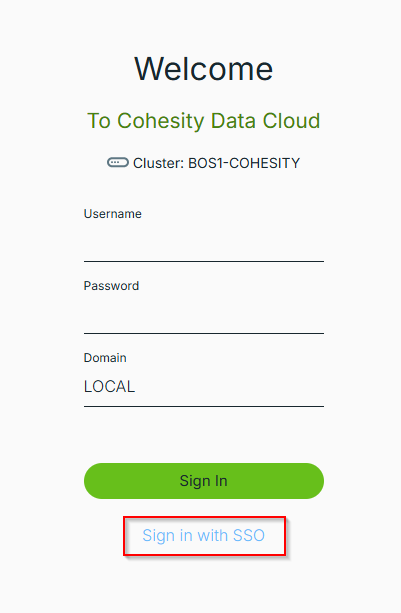 |
| Enter your Organization ID with a trailing “/” and click Sign In | 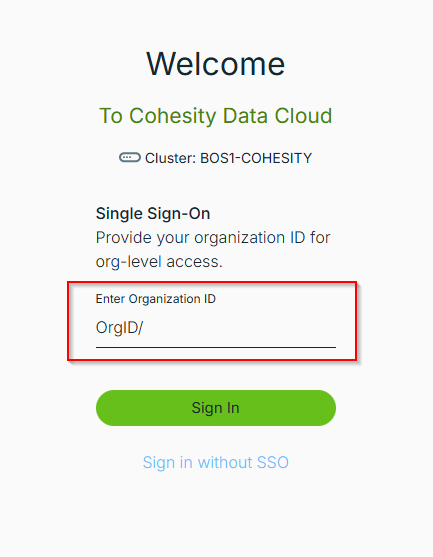 |
If you do not know your Organization ID, please create a ticket in the Expedient SMC ticketing system to request for details.